

Skip to content
spacetime/ operate

Mission evaluation

Test navigation.
Before the mission.

Your routes. Your maps. Your navigation stack.

One area. One vehicle. Agreed limits.Choose the mission
Concept imagery of an uncrewed research aircraft above coastal mountains
Operating domain

Aerospace & defense / Air

Context for critical missions.

Prepare shared operating environments for mission planning, simulation and deployed systems.

TerrainWeatherAirspace constraints

System examplesUncrewed aircraft (UAV) · Collaborative combat aircraft (CCA)

Support confirmed per configuration.

Concept imagery
Concept imagery of an uncrewed aircraft over a remote coastal landscape

The test

Find the gap.
Test the fix.

Same route. Same sensors. Compare the maps.

01

Set the limits

Define the route, sensors and acceptable error.

02

Compare the data

Keep what works. Test each proposed upgrade.

03

Check the result

Separate predictions, replay measurements and field evidence.

See the demo

Scope and acceptance criteria agreed before work begins.

Concept imagery

Your operating area

The data you need.
Where you need it.

Keep your maps. Test additions against your mission.

Deployment details

Coverage

Add an area.
Define the test.

Specify the area, vehicle, sensors and error limits.

Agree the integration and acceptance tests.

Bring a mission
Activation previewIllustrative configurations
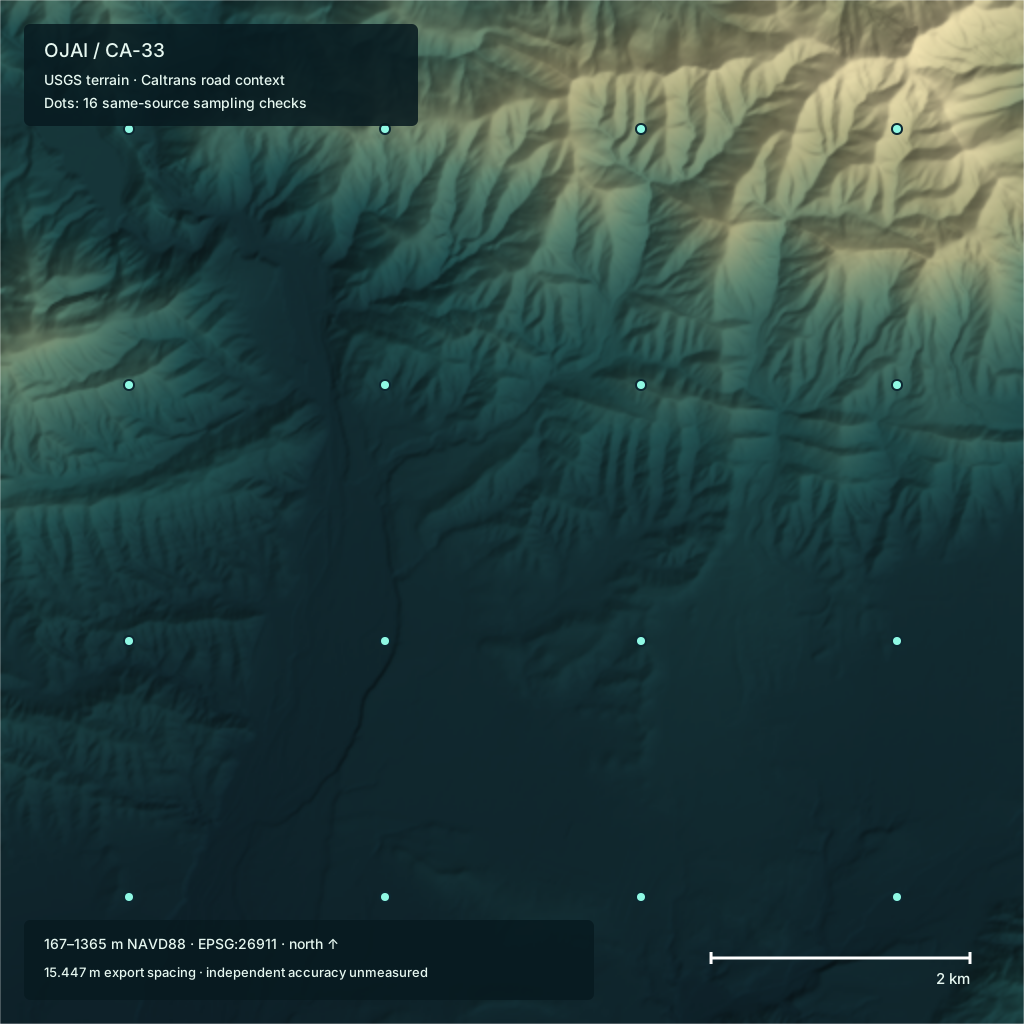
Retained Ojai terrain, shown as an example environmental reference
Operating area / reference terrain

Environmental inputsTerrain · weather · airspace

Prepared-area example

Assemble the environment.

Review a prepared area against the selected system and mission. Bring reference inputs, acceptance requirements and an offline package scope together.

  1. 01Resolve environmental inputs
  2. 02Apply mission configuration
  3. 03Prepare deployment package
Illustration only.
Coverage confirmed separately.

Packages

Evaluate.
Deploy. Maintain.

Start with one paid evaluation.

Start with a paid evaluation.

Activate

Assess one operating area, vehicle configuration and navigation baseline.

  • Customer maps + route assessment
  • Agreed metrics + acceptance criteria
  • Paired baseline + candidate comparison
  • Findings + offline reference scope
Scope an evaluation

Expand with configuration-specific evidence.

Program

Coordinate additional areas and fleet configurations through the same evaluation process.

  • Prioritized area + fleet rollout
  • Data acquisition + collection scope
  • Per-configuration acceptance tests
  • Versioned releases + program support
Discuss a program

Scope, price and acceptance criteria agreed upfront.

Services

Close the gap.

Buy the improvement the evidence supports.

01Data & procurement

Compare your existing maps with targeted data upgrades.

Assess coverage, freshness, resolution and geographic accuracy. Scope licensed data or new collection where evidence supports the need; prepare approved inputs with provenance.

02Assure

Scope a paid evaluation of GPS-denied navigation on your routes.

Bring maps, sensor configuration and a navigation baseline. Agree error limits, compare candidate references and distinguish simulated predictions from results on held-out recordings.

Explore Assure
03Simulation & benchmarking

Compare reference and sensor configurations against the same mission.

Scope repeatable GPS-loss scenarios and paired replay. Assess error distributions, false fixes, recovery, compute cost and coverage within agreed limits.

Inspect a benchmark
04System integration

Prepare offline references for the navigation stack you already use.

Scope reference formats, sensor adapters and onboard runtime requirements. Integration and validation are agreed separately for each configuration and domain.

05Environment intelligence

Turn verified operational evidence into candidate reference improvements.

Review recurring failures and environmental changes, prioritize refreshes, and benchmark updates before release. Customer evidence and adaptations stay within the agreed data boundary.

Your mission

Bring a mission.

Area. Routes. Sensors. Error limits.

hello@spacetime.systems
Additional services

Review and send in your email app.